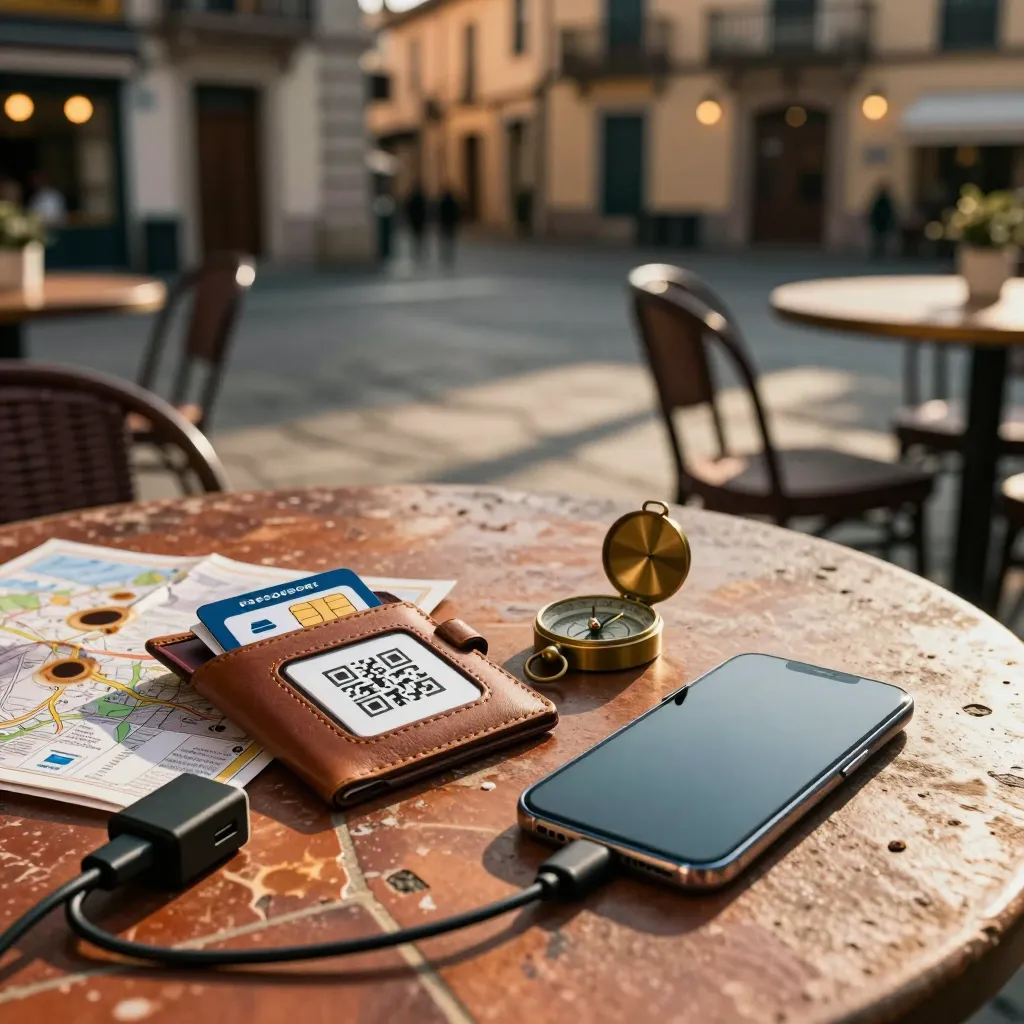
Europe Travel: Phones, SIMs, Wi-Fi & Tech Hacks That Save You Hundreds
Heading to Europe? Learn whether to grab a local SIM, eSIM or rely on Wi-Fi, which apps download offline maps, how to pick the right power adapter and keep data secure on public networks—everything you need for cheap, seamless connectivity.
Travel Tips: Phones and Technology in Europe
Phones and smart devices can transform your European trip — or turn it into a costly headache. Knowing how to stay connected, avoid roaming fees, and use the right tools makes all the difference between a smooth journey and an expensive one.
Staying Connected Across the Continent
Europe's connectivity infrastructure is excellent, but it varies by country and region. Major cities offer fast 5G and widespread Wi-Fi, while rural areas in the Alps or the Scottish Highlands may have spotty coverage. Planning ahead ensures you stay reachable without draining your budget.
Using Your Own Phone
Most modern smartphones work seamlessly in Europe. Before departure, confirm with your carrier that your device is unlocked and compatible with European networks. Many carriers offer international roaming packages, but these can be pricey for extended trips. Consider a temporary upgrade or a dedicated travel plan if you only need connectivity for a week or two.
European SIM Cards and eSIMs
For longer stays or heavy data users, a local SIM card or eSIM is often the smartest choice. Prepaid SIMs are available at airports, train stations, and convenience stores across Europe. Providers like Vodafone, Orange, and Three offer tourist-friendly packages with generous data allowances.
eSIMs have become increasingly popular because they eliminate the need to swap physical cards. Services like Airalo and Holafly let you purchase and activate a European data plan before you even land. This is ideal for travelers visiting multiple countries, as many eSIM plans cover the entire Schengen area.
Calling Home and Within Europe
International dialing codes can be confusing at first. To call a European number from outside the continent, dial your country's exit code, followed by the relevant country code, then the local number. Within Europe, dialing works similarly to domestic calls if you have a local SIM or roaming enabled.
Most travelers find that internet-based calling replaces traditional phone calls entirely.
Wi-Fi Calling and Messaging
Free Wi-Fi is available in most European hotels, cafés, museums, and train stations. Relying on Wi-Fi for communication is the easiest way to avoid charges entirely. Apps like WhatsApp, Signal, and Telegram handle messaging and voice calls over Wi-Fi or mobile data.
Before your trip, download and test your preferred apps. Make sure friends and family back home are using the same platforms so you can reach them without extra cost.
Essential Apps for European Travel
A well-chosen set of apps simplifies everything from navigation to dining:
- Maps and Transit: Google Maps and Citymapper cover most European cities with real-time public transit directions.
- Translation: Google Translate handles text, voice, and camera translation — invaluable for menus, signs, and conversations.
- Currency: A simple currency converter helps you track spending across Eurozone and non-Euro countries.
- Accommodation and Dining: Booking platforms and local restaurant apps vary by country, so research the most reliable options for your specific destinations.
- Offline Access: Download offline maps and translation packs before arrival. This saves data and keeps you oriented when connectivity drops.
Internet Security on the Road
Public Wi-Fi networks are convenient but risky. Avoid accessing banking apps or entering passwords on unsecured networks. A reputable VPN encrypts your connection and protects your data, especially when using hotel or café Wi-Fi.
Enable two-factor authentication on important accounts before you travel. Keep your devices updated with the latest security patches, and back up your photos and documents to cloud storage regularly.
Power Adapters and Voltage
Europe operates on 220–240V with Type C and Type F plugs. The United Kingdom uses Type G. If your devices only support 110V, you will need a voltage converter in addition to a plug adapter. Most modern electronics — laptops, phone chargers, camera batteries — handle dual voltage automatically. Check the label on your charger: if it reads "100–240V," you only need a plug adapter.
Bring at least one universal adapter and a small power strip if you have multiple devices. Hotel rooms often have limited outlets, and charging everything overnight requires some planning.
Staying in Touch Without a Smartphone
Not every traveler wants to carry a phone. Paper maps, prepaid calling cards, and hotel concierge services still work perfectly well. If you prefer to disconnect, inform your accommodation of your itinerary and establish check-in times with someone back home. Many European towns have internet cafés and public phones for emergencies.
Final Thoughts
Technology should support your trip, not complicate it. Whether you choose a local SIM, an eSIM, or pure Wi-Fi, the key is deciding before you arrive. A little preparation keeps you connected, secure, and free to focus on the experiences that matter.